Free · No ads · No account
Scan it. Make it.
Keep it to yourself.
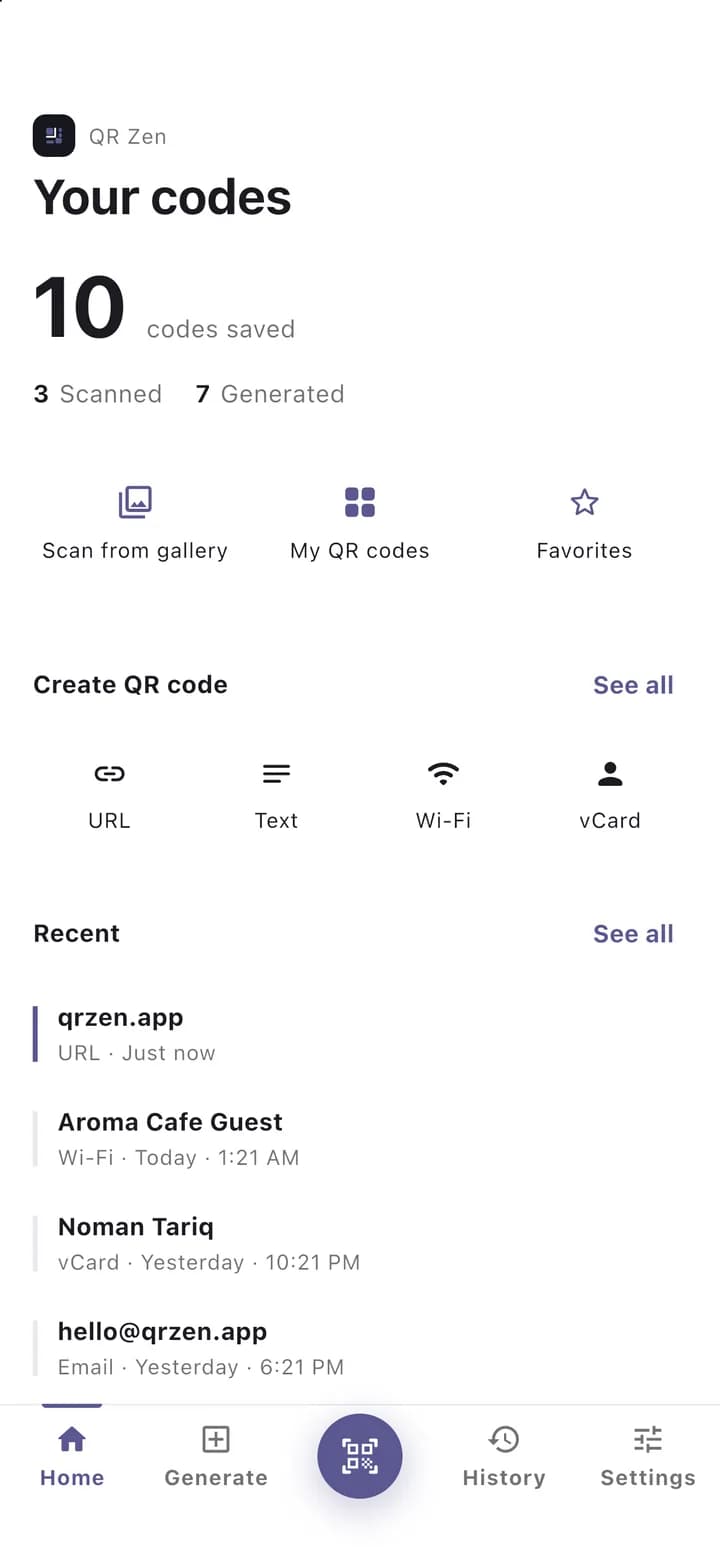
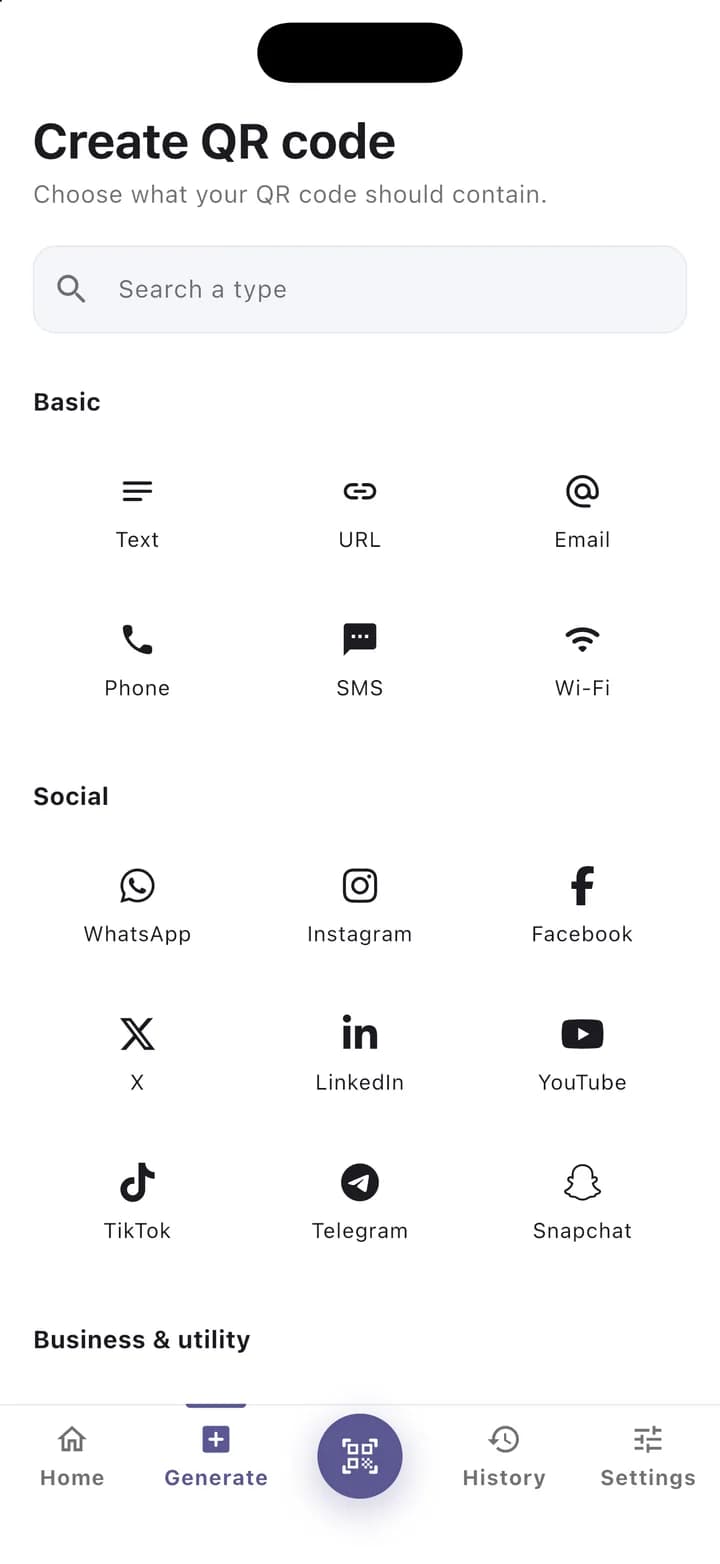
QR Zen reads any QR or barcode the instant it hits the frame — then builds 21 kinds of your own, styled and print-ready. All of it offline, with nothing sent anywhere.
iOS 15 and later · Android · 8 languages
- 21
- code types
- 0
- network calls
- 8
- languages
- Free
- forever, no ads
Why this one
Small app. No compromises.
Most QR apps make you pay in attention or in privacy. This one does neither.
Reads anything, instantly
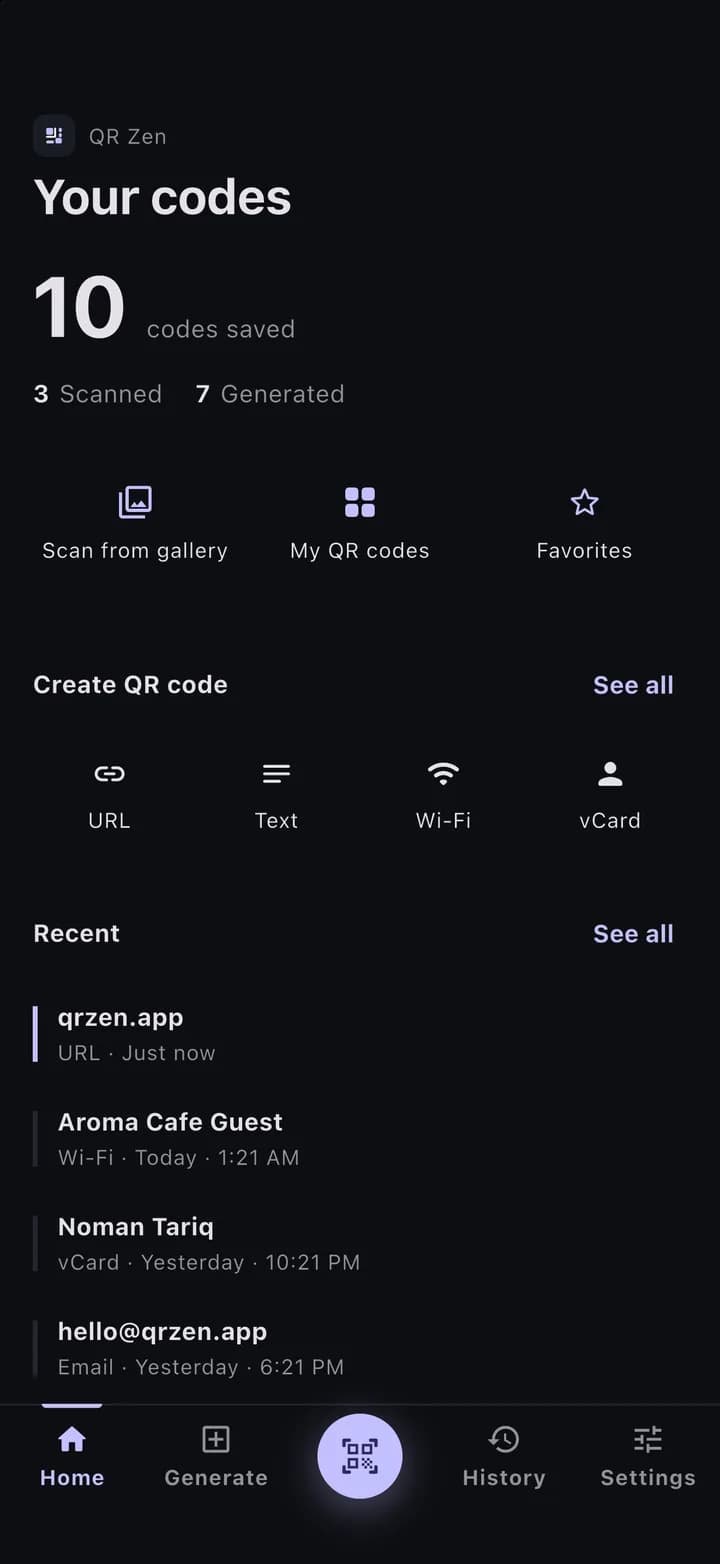
QR, barcode, data matrix — the moment it enters the frame. Or pick an image from your gallery and scan that instead.
Results you can act on
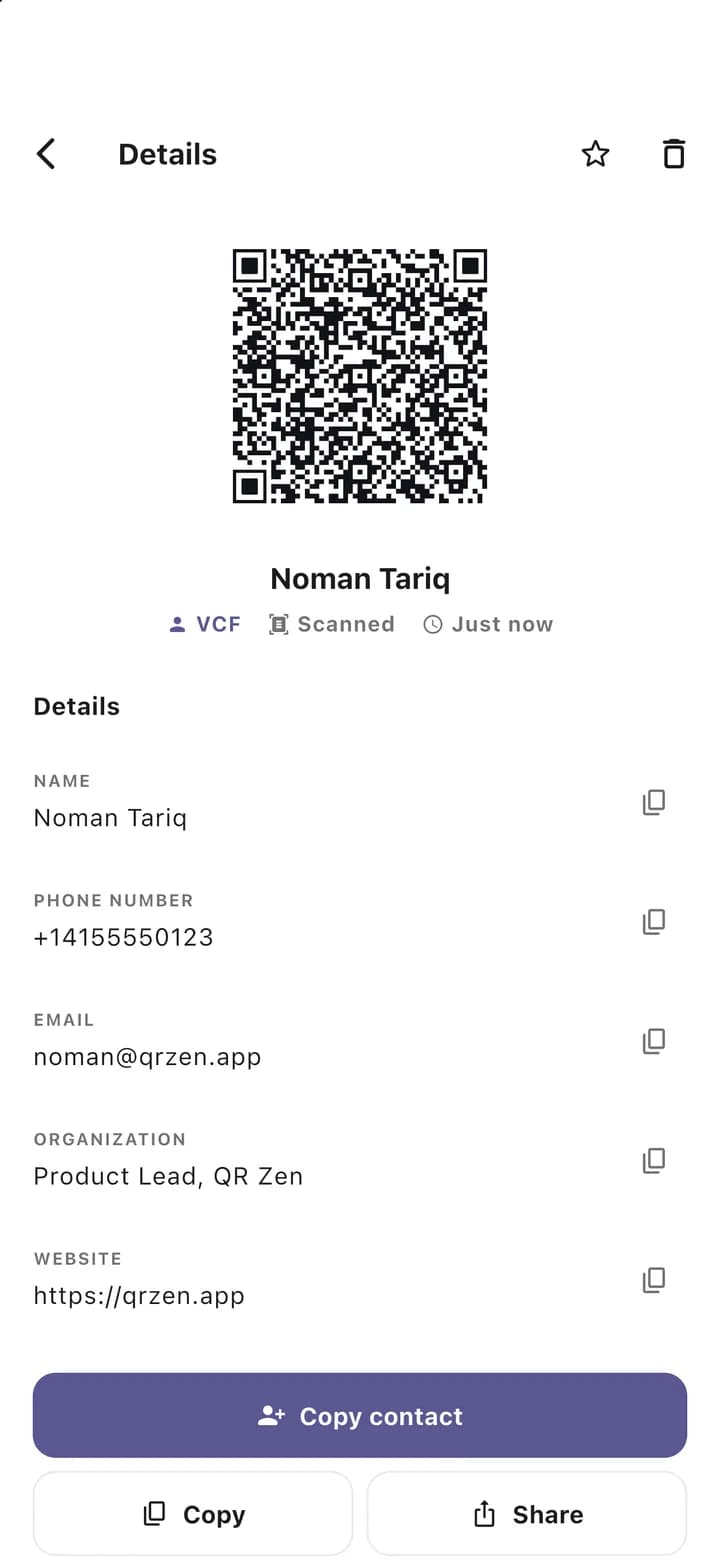
A Wi-Fi code offers the password. A contact offers the card. A link offers to open. Nothing is dumped at you as raw text.
21 kinds of code
Far past links: Wi-Fi, contact cards, calendar events, map locations, payments and every social profile you actually use.
Design control that is free
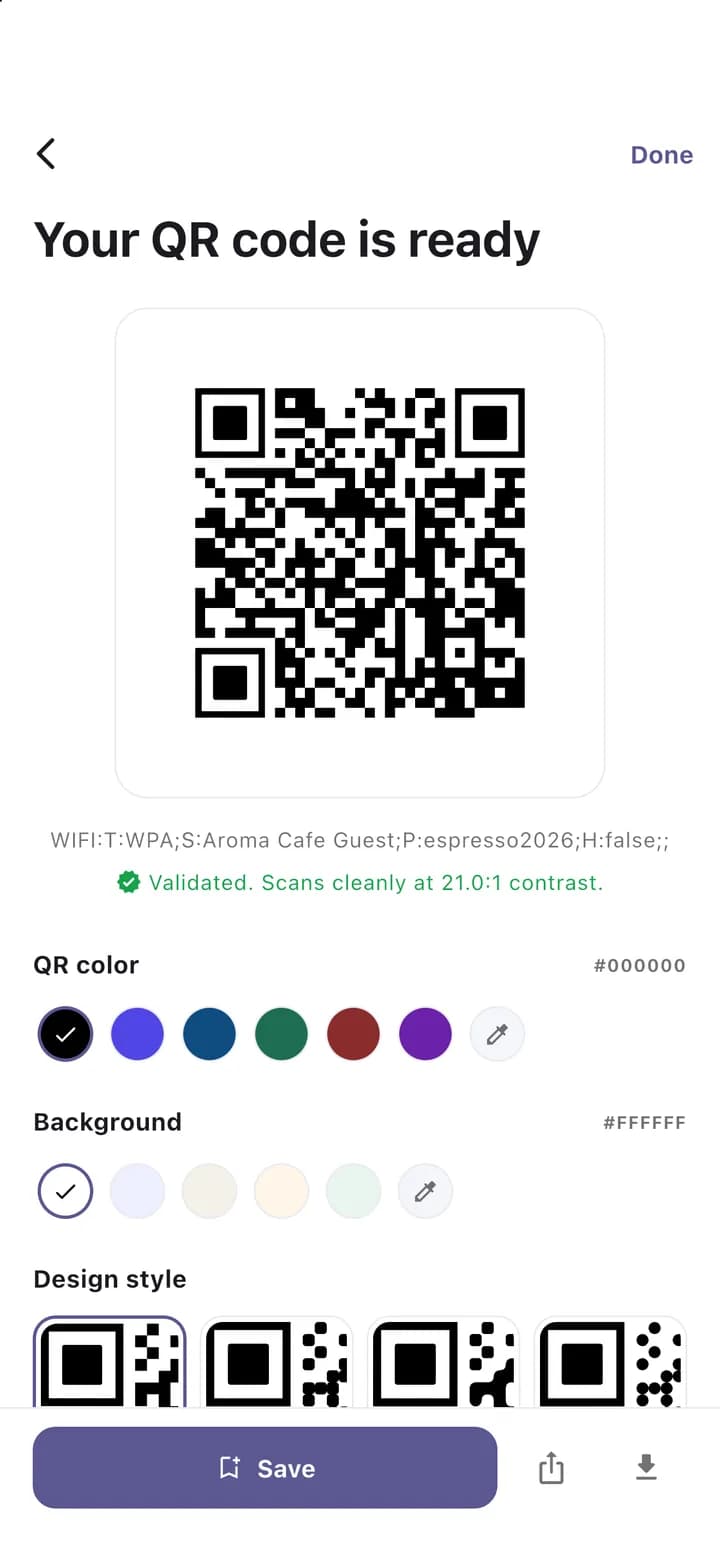
Any colour, four module shapes, four eye shapes, your logo in the middle. No paywall, no watermark, no signup.
A code that still scans
Style a code too far and it stops working. QR Zen checks contrast live and tells you before you print a hundred of them.
Nothing leaves your phone
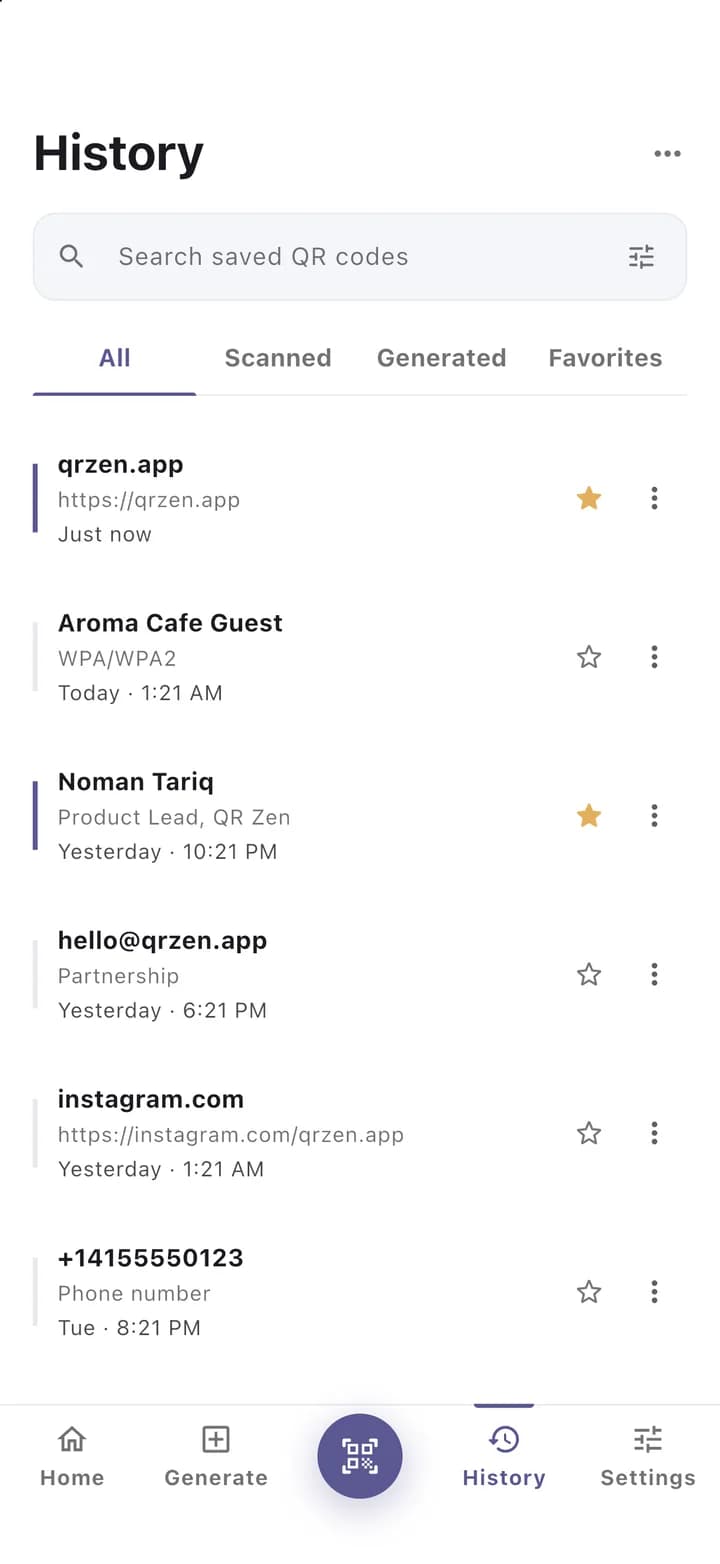
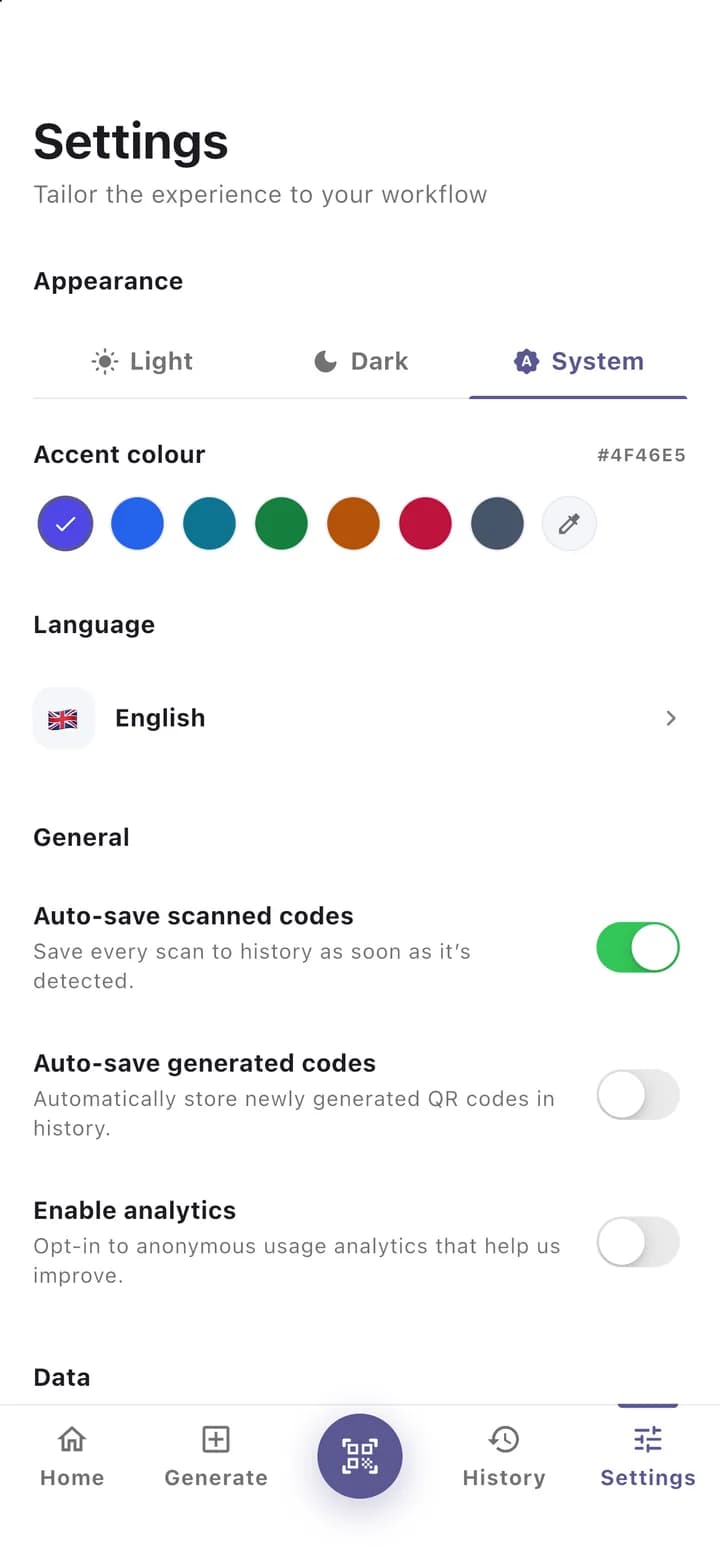
No account, no server, no network call. History lives on the device. Analytics are opt-in and off by default.
A look inside
Every screen, no clutter
Not just links
21 code types
Every one of them static, so a printed code keeps working long after anyone stops maintaining a server.
- Website link
- Plain text
- Wi-Fi network
- Phone
- SMS
- Contact card
- X
- YouTube
- TikTok
- Telegram
- Snapchat
- Calendar event
- Map location
- PayPal
- Bitcoin
- Zoom
Questions
Good to know
Does QR Zen work without internet?+
Yes — completely. Scanning and creating codes never touch the network. The only time the app opens a connection is when you tap a scanned link, which hands off to your browser.
Do you collect or store my scans?+
No. Codes you scan or create are written to your device and nowhere else. There is no account to make and no server to send them to.
Is it really free?+
Yes. No in-app purchases, no subscription, no ads, and no features held back behind a paywall.
Will the codes I make keep working?+
Yes. Every code is static — the data is encoded in the pattern itself. It does not route through a service that could shut down and break your printed codes.
Can I put my logo on a code?+
Yes, and you can size it. The contrast check keeps you honest about how far you can push it before scanners start failing.
What languages does it support?+
English, Urdu, Spanish, French, Hindi, Portuguese, German and Italian, with full right-to-left layout for Urdu.
Get in touch
Bug reports, feature requests, privacy questions — they all reach the person who wrote the app.
dev.nomantariq@gmail.com